How to Land Your First Paid Brand Collaboration
A step-by-step path to your first paid brand deal: what to fix before you pitch, how to write the email, what to agree in writing, and what to do after.
Summarize with
12 min read

Jay Lalakiya
Founder of PostWithProof
TL;DR
Get your profile and media kit ready and decide your rate before you pitch. Then email a brand that already fits your content with one specific idea and a link to your kit, and follow up once or twice. Agree deliverables, usage rights, exclusivity and payment in writing before you post, disclose the deal clearly, and send the brand your results afterwards so the first deal can lead to a second.
To land your first paid brand collaboration, get your profile and media kit ready, decide your rate, then email a brand that already fits your content with one specific idea and a link to your kit. Before you film anything, agree the deliverables, usage rights and payment in writing. When the post goes live, disclose the deal clearly, then send the brand your results so the first deal can turn into a second.
This guide is for creators on YouTube or Instagram who haven't been paid by a brand yet. It takes each step in the order you'll meet it, from before you pitch to after the post is up.
What brands look for before they pay a small creator
Brands plan to work with more small creators, not fewer. In Influencer Marketing Hub's 2026 benchmark survey of more than 600 marketers, 51.43% said they would increase or start work with nano creators and 52.83% with micro creators. The report's own summary: "The highest net growth intent sits at the smallest tiers."
Beyond your follower count, make it easy for a brand to see what you make and who watches it. That means:
- a niche a brand can describe in one sentence,
- posts on a regular schedule, so there's a recent body of work to judge,
- an audience that comments and shares, not only follows,
- numbers the brand can check against your profile.
The platforms set entry bars for their own brand marketplaces, where brands search for creators. Instagram's creator marketplace asks for at least 1,000 followers on a public professional account, and you must be 18 or older. YouTube's Creator Partnerships, where brands can find channels for deals, is open to YouTube Partner Program members aged 18 or older in 24 countries and regions. Below those bars you can still pitch brands directly by email, which is what the rest of this guide covers.
Set up your profile so a brand can say yes
A brand that opens your profile should understand three things quickly: what you make, who it's for, and how to reach you.
Your bio. Say what you make and who it's for in plain words. "Weeknight vegetarian recipes for students" tells a brand more than "Food lover and dreamer".
A business email. Put it where a brand will look. On Instagram, a professional account lets you add contact details, including an email, to your profile, and it also turns on the insights you'll need after a deal. On YouTube, add a contact email to your channel; a brand finds it in your channel's About section under "View email address".
Your recent posts. They are your portfolio. The latest ones should look like the work you'd make for a sponsor: your niche, your format, your usual quality.
Build a media kit brands can check
A media kit is a one-page summary of you for brands: who you are, what you make, who your audience is, your numbers, and how to work with you. What a media kit is covers what goes in it.
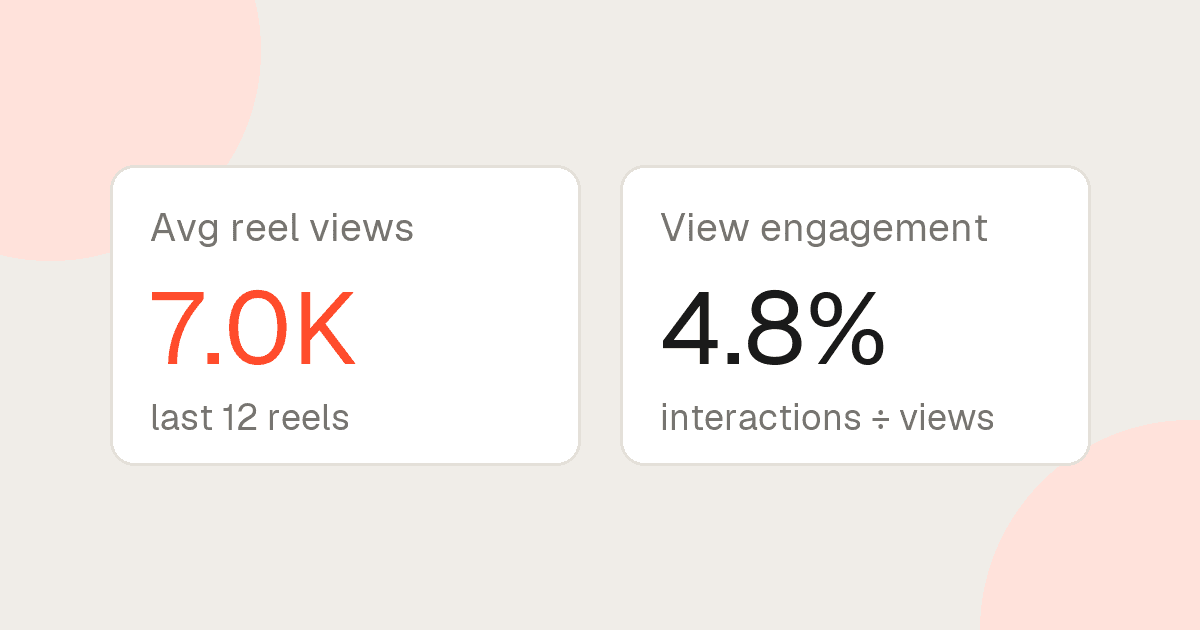
The numbers are the part that decides whether it helps. Brands check them against your profile, so every figure needs a window and a source. Which media kit numbers brands actually check goes through each one and how to label it.
For a first deal you don't need brand logos. Show two or three recent posts that already look like sponsored work: a product in use, a clear hook, your usual format.
If you're in the YouTube Partner Program, YouTube also gives you a media kit in YouTube Studio, built from your channel's audience insights, which you download as a PDF. (Prefer a link that updates itself? PostWithProof kits auto-refresh daily.)
Work out your rate before you pitch
Decide your number before you send a pitch, so you aren't inventing it when a brand asks.
Build it from what the work takes. That's how most creators already price: in NeoReach's 2026 Creator Impact Report, a survey of 539 creators, 77% said they price mainly on the time and effort a piece of content takes. Follower count (52%) and engagement rate (48%) came next.
- Count the hours for one piece: idea, filming, editing, revisions, posting.
- Put a price on an hour of your time, and multiply.
- Price extras separately. Usage rights and exclusivity (both covered below) cost you something beyond the post itself: the brand reusing your work, or you turning down its competitors. "Usage fees separated from deliverables" was one of the changes creators in the same report asked brands for.
- Write it down as a package: what you'll post, where, and what the brand may do with it.
If you post YouTube Shorts, our free earnings estimator shows roughly what a Short's views earn from YouTube's ads. Use it as one reference point, not as a sponsorship rate.
If you're in Creator Partnerships, YouTube also lets you set desired rates for long-form videos and Shorts.
Find brands that already fit your content
Start with brands whose products already show up in your content.
- Brands you already use. Go through the last few months of your posts and list every product you showed, mentioned or were asked about. Your audience has already seen them in your content.
- Brands already paying creators your size. On Instagram, a sponsored post that uses the paid partnership label shows "Paid partnership with" and the brand's name. On YouTube, a video marked as paid promotion shows viewers a disclosure at the start. Browse your niche, note which brands appear on creators with audiences like yours, and add them to the list.
- Keep the list short. Ten brands you'd be glad to post about are worth more of your time than a hundred you'd never use.
Write a short pitch that asks for one thing
Influencer Marketing Hub's guide to pitching brands by email puts it plainly: "People are busy and they don't have time for essays about your life!" Keep yours short and specific to the brand:
- Subject line. Under 60 characters, with the brand's name in it, in neutral words rather than superlatives.
- Open with them. Name one specific thing: a product you use, a launch, a recent campaign.
- One content idea. Say what you'd make, in what format, and why your audience would care.
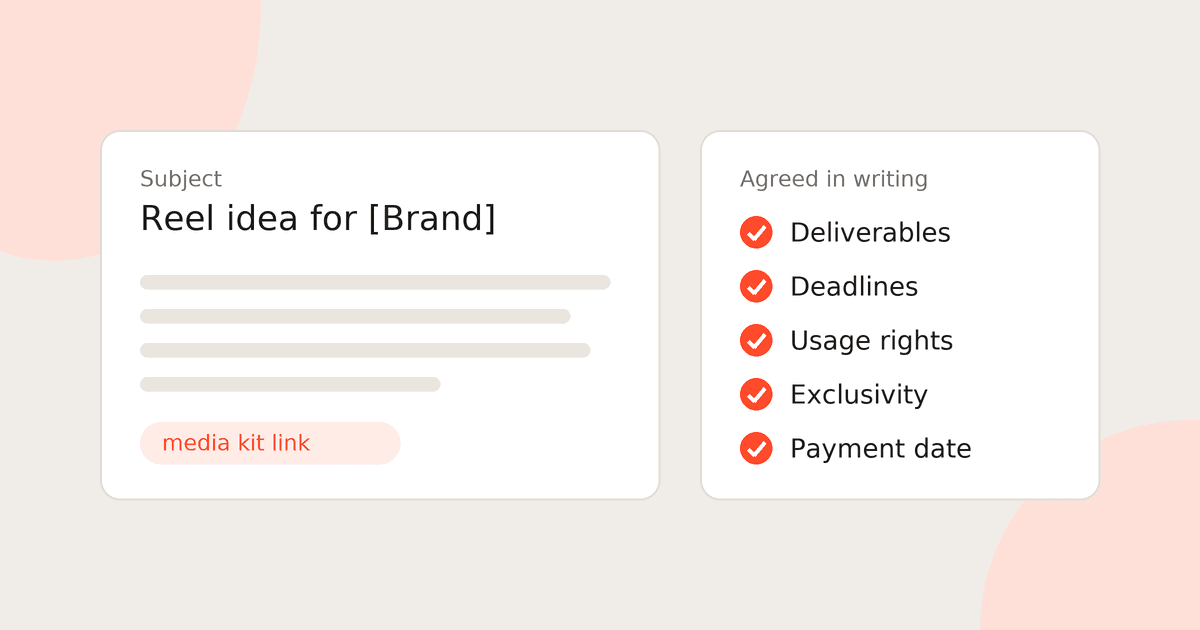
- Your kit link. One line on who your audience is, then the link.
- One ask. A single question with a timeframe, as the same guide recommends.
Brands get the same advice about their own outreach to creators. Viral Nation tells brands to keep that email to roughly three sentences and to name a specific post, series or topic. Hold your pitch to the same standard.
Example pitch email
Subject: Reel idea for [Brand]'s new [product]
Hi [Name],
I make [weeknight vegetarian recipes] on Instagram for [students cooking on a budget]. Your [product] has been in my kitchen for [six months] and is already in [two of my recent reels].
I'd like to make a paid reel around it: [a 30-second one-pan recipe built on the new flavour], in my usual format. My media kit, with my recent numbers, is here: [PostWithProof media kit link].
Would you be open to a paid reel in [month]?
[Your name], [@handle]
Everything in brackets is yours to replace. Nothing in it needs a big number: it shows the product already fits, gives one idea, and asks one question.
Following up
If there's no reply, follow up once, then once more. The Influencer Marketing Hub guide suggests follow-ups 48 hours and one week after the first email. Keep each one to two lines and add something new if you can, like a recent post that fits the brand. After the second, move on to the next brand on your list.
Agree the terms in writing before you start
When a brand says yes, get the terms written down before you film anything: in a contract, or at least in an email thread where the brand confirms them.
Brands are told to state these up front. Viral Nation's advice to brands on creator outreach lists deliverables, timeline, compensation or budget range, usage rights, exclusivity, whitelisting or paid amplification, key campaign dates and any approval requirements. If the brand's first message leaves some of them out, ask.
What to settle
| Term | What to agree |
|---|---|
| Deliverables | What you'll post, on which platform, in what format and length, and how many |
| Deadlines | When the draft is due, when it goes live, and how long it stays up |
| Revisions | How many rounds of changes are included, and when the brand gives feedback |
| Usage rights | Where the brand can reuse your content, like its own channels, site or ads, and for how long |
| Whitelisting | Whether the brand can run ads from your account; on Instagram and Facebook these are partnership ads, which need your permission |
| Exclusivity | Which competing brands you can't work with, and for how long |
| Payment | The amount, the currency, how it's paid and the date it's due |
If a term is new to you, our glossary defines usage rights, whitelisting and exclusivity clauses.
If a brand offers free products instead of money, that's a gifted collaboration, not a paid one. Whether to accept is your call, but it still needs a disclosure.
Disclose the partnership
The FTC's Disclosures 101 for Social Media Influencers sets out the rules in the US, and they apply even if you post from abroad, when it's reasonably foreseeable that your post will affect US consumers. The main points:
- Disclose any financial, employment, personal or family relationship with the brand. Free or discounted products count.
- Put the disclosure with the endorsement itself. The FTC says disclosures are likely to be missed if they appear only on a profile page, at the end of a post or video, or anywhere that needs a click on "more".
- Don't mix it into a group of hashtags or links.
- In a video, the disclosure belongs in the video, not just in the description.
- Use plain words like "ad", "advertisement" or "sponsored". The FTC calls "sp", "spon" and "collab" vague.
- Use the platforms' tools as well, not instead. The FTC says not to assume a platform's disclosure tool is good enough on its own.
The tools themselves: on Instagram, the paid partnership label; on YouTube, the paid promotion setting in your video's details, which adds a disclosure label at the start of the video.
Outside the US, check your own country's rules too, like the UK's influencers' guide from the ASA and CMA, or India's ASCI guidelines.
After the post goes live
The first deal isn't finished when the post goes up.
- Deliver on time. Post on the agreed date, and send the brand the link when it's live.
- Send your results. Once the numbers have settled, email a short summary with a screenshot of your insights: views, reach, likes, comments, shares, saves, and link clicks if there was a link. On Instagram, open the reel and view its insights; on YouTube, open the video's analytics in YouTube Studio. If you used Instagram's paid partnership label, the brand already has access to the post's insights. Send your summary anyway: it's where you get to say what worked.
- Ask about the next campaign. Creators mostly say one post isn't enough: in NeoReach's creator survey, 60% said it takes two to three posts to generate meaningful audience action. That's a reason to suggest a short series next time, not just another single post.
- Add the brand to your kit. A named brand you've worked with, next to the result, is something the next brand can check. (On PostWithProof, add it under Brand partners and the result under Case studies when you customise your kit.)
Why send a link instead of a PDF
I build PostWithProof, which makes media kits from the platforms' own data, so I'm not neutral on this part.
Brands check a kit's numbers against your profile, as our post on which numbers brands check shows. A PDF is a snapshot: it's right on the day you export it, and it drifts from your profile after that, as your followers and recent views move. A kit sent as a link can show current numbers whenever the brand opens it.
That's what PostWithProof does. It builds your kit from your Instagram or YouTube data in under 60 seconds and gives you one link to send. On Starter, the stats refresh daily; on Free, they're read once, when you add or connect the account. Connect your Instagram or YouTube account and the numbers read from the platform carry a Verified badge; numbers from public data are labelled as public.
If a brand asks for a PDF, send one, but export it the day you send it.
Where to go from here
Start from a layout that already labels its numbers: browse the media kit templates, and see how real creators present theirs on the media kit examples page. When you're ready, compare plans to decide how often you want your stats refreshed. Then send your first pitch.
Create your media kit with PostWithProof
- Ready in 60 seconds
- Auto-updates every day
- One live link brands can open anywhere